


Interactive Whiteboard in Malaysia: How Digital Boards Improve Learning and Meetings
New tools shape the way people learn and work, and digital boards now stand at the centre of many modern spaces. These boards bring bright displays, simple touch control, and smooth writing tools that make lessons and meetings clear and engaging. They also help people follow ideas with ease because information stays organised on one wide screen.
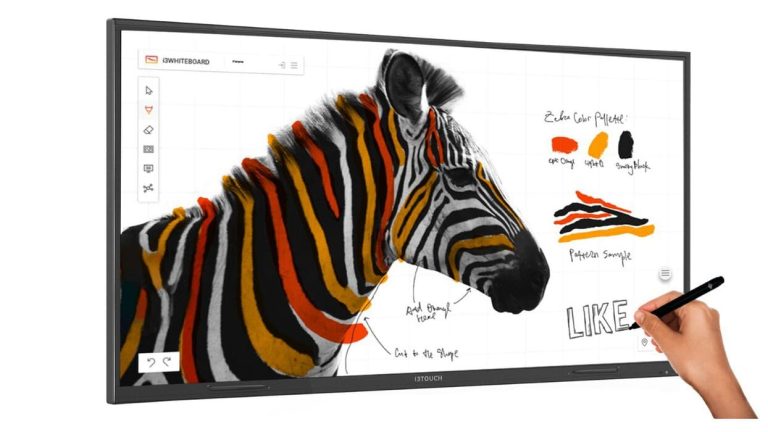
Malaysia continues to grow in digital learning and smart workplaces, and many people now explore how these boards fit into daily tasks. Teachers, trainers, and corporate teams rely on them to guide sessions with strong visuals and clean transitions. As their use expands, many are turning to interactive whiteboards in Malaysia to create lessons and meetings that are engaging and easy to follow.
Schools and Universities: Better Lessons With Digital Support
Digital boards help teachers guide lessons with simple actions that keep students engaged. A bright screen, steady visuals, and real-time writing tools allow lessons to move forward in a smooth line. Teachers show diagrams, write key points, switch between pages, and display short clips without slowing the pace. Students focus better because the board shows information in a clear and connected way.
Strengthen Learning:
- Digital boards support touch writing that helps teachers shape lessons with clear marks and steady guidance.
- Students follow ideas faster because the board displays drawings, diagrams, colours, and writing that connect directly with classroom explanations.
- Teachers shift between pictures, maps, numbers, and stories in one smooth path, which strengthens focus and keeps lessons structured.
These points show how digital boards help teachers create strong lessons that support understanding. Students respond with more confidence because the flow of each lesson remains stable and easy to follow.
Corporations and Offices: Clearer Meetings and Stronger Collaboration
Workplaces use digital boards to guide meetings with balance and structure. Teams write notes, mark plans, and outline steps on the display, which keeps ideas in order. People move images, arrange shapes, and adjust sections with simple touch actions that support quick decision-making. Remote staff join sessions through smooth screen-sharing tools that allow them to follow updates without confusion.
Improve Workplace Sessions:
- Teams share ideas in real time with writing and drawing tools that keep discussions focused and meaningful.
- Remote users stay aligned because the board shows each change instantly, which supports fast teamwork across locations.
- Meetings finish faster because groups update plans, review documents, and refine tasks directly on the screen.
These points reveal how digital boards support teams with a clear path through each meeting. People close discussions with sharper direction because ideas appear neatly in one place.
Training Centres: Better Interaction and Real-Time Annotation
Training groups rely on guidance that feels clear and energetic. Digital boards help instructors show steps, draw shapes, and mark points with vivid strokes that match spoken instructions. These boards support hands-on tasks because trainees watch the trainer write, draw, and shift objects in real time. This creates an interactive space where ideas remain easy to follow.
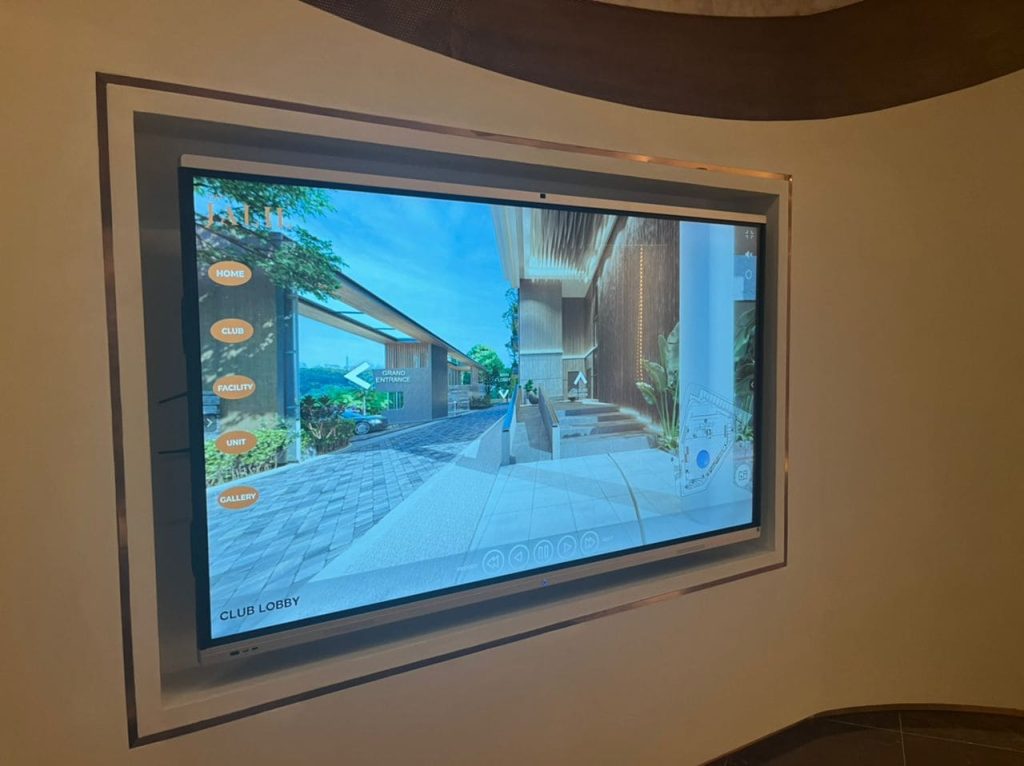
Improve Training Sessions:
- Trainers guide sessions with bright marks that match each instruction, which helps trainees understand every step.
- Trainees stay engaged because the board displays shapes, symbols, and notes that connect with the task at hand.
- Trainers move through slides, sketches, and writing tools in a steady flow, which helps lessons stay lively and memorable.
These points show how digital boards help training centres deliver sessions with clarity and structure. Trainees follow tasks with more confidence because the trainer shapes lessons with simple and steady movements.
Government and Public Sector: Modern Tools for Better Workflows
Public sector offices use digital boards to present plans and share information with clarity. Staff shift between text, charts, and maps with simple touch actions that keep sessions steady. The wide display helps groups focus on key details while still keeping the full picture visible. Teams also highlight paths, trace routes, and adjust shapes with clear strokes that improve communication.
Strengthen Public Sector Work:
- Digital boards help staff present policies with visuals that support direct communication and a stronger understanding.
- Teams view charts, maps, and diagrams in bright form, which helps them track progress and identify key areas.
- Presenters organise information through clear writing tools that help groups stay aligned during discussions.
These points show how digital boards help public offices build clearer sessions. Staff move through work with stronger unity because information appears in a clean and structured way.
Key Features That Shape Effective Use
Digital boards deliver a range of features that help people guide lessons, meetings, and training sessions with efficiency and confidence. Touch control, bright displays, and built-in writing tools come together to support simple and smooth use. These features help groups follow ideas closely because the screen keeps everything organised.
To help explain these features clearly, the table below shows each function and how it supports
| Feature | Value |
|---|---|
| Touch control | Helps users write, draw, and drag items with quick response |
| Bright display | Shows clear colours and sharp words in many room conditions |
| Screen sharing | Let’s phones, tablets, and laptops link to the display |
| Real-time writing | Helps people follow lessons and meetings with clear flow |
| Built-in tools | Supports planning, drawing, and editing tasks |
These features give groups a stable base for teaching and collaboration. People use them with confidence because each function supports the flow of the session.
Benefits for Malaysian Users
Digital boards support Malaysia’s growing need for modern learning and workplace tools. Teachers guide lessons with more energy because they switch between visuals with ease. Office teams finish tasks faster because ideas appear in a neat and structured form. Trainers help people build skills through clear demonstrations that support memory and understanding.
Moreover, digital boards help groups save time by storing notes, sketches, and writing for future use. This supports stronger preparation and helps people move through work with steady progress.
Local Context in Malaysia
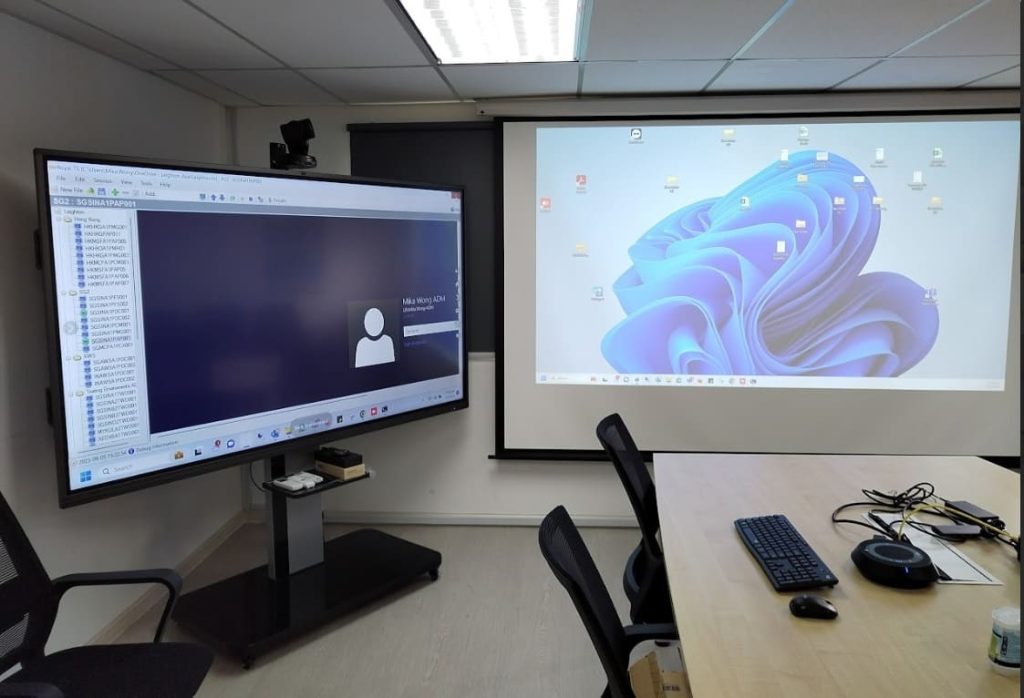
Malaysia continues to embrace digital transformation in education and workplace planning. Schools upgrade rooms with digital tools that help teachers guide lessons with greater clarity. Universities build smart labs that support skills for future careers. Offices use digital boards to connect local and remote teams, which helps work move smoothly across locations.
Training providers also focus on skill improvement, and digital boards help them deliver sessions that feel engaging and strong. These tools match local needs because they support flexible room setups and connect easily with common Malaysian devices.
Product Tie-In: Strong Solutions From Votigo Systems
People in Malaysia look for digital boards that bring clarity, brightness, and strong writing tools into one device. This service offers solutions that support teaching, meetings, and training with steady performance. Their boards display sharp images, respond with smooth touch movement, and support content sharing across many devices.
Comparison and Buying Guide
People choose digital boards based on screen size, brightness, touch response, and software tools. Large rooms need wide screens, while smaller meeting rooms work well with compact displays. Brightness, writing quality, and device sharing play major roles in shaping how well the board works. Clear goals help each group find the right match for their space.
People also consider training and support because strong guidance helps users understand the tools quickly.
Conclusion
Interactive whiteboards in Malaysia are transforming how the country learns, trains, and collaborates. They give teachers strong tools, help staff share ideas, and support trainers who want simple and interactive lessons. These devices keep sessions bright and flowing, which helps people stay engaged from start to finish.
Modern workplaces and study spaces grow stronger with tools that support swift action and creative thinking. Those who explore digital boards gain clear value as they create sessions that move with purpose and clarity. To explore solutions that bring these strengths into your own environment, visit Votigo Systems for tools that match both learning and corporate needs.
Frequently Asked Questions
No, the boards require simple upkeep, and they support steady daily use in Malaysian classrooms and offices.