


How Interactive Whiteboards Are Transforming Classrooms and Businesses in Malaysia
Old chalkboards and plain whiteboards are not effective for today’s learners and employees. People want fun, visual, and hands-on experiences during lessons and meetings. Boring presentations fail to grab attention or get people involved. A new tool has come to fill this gap. An interactive whiteboard in Malaysia brings digital power into rooms where people learn and work.
These large touch screens respond to fingers, pens, or other tools. You can write, draw, move things, and use online resources right from the board. This piece looks at how this tech changes schools and offices across the country.
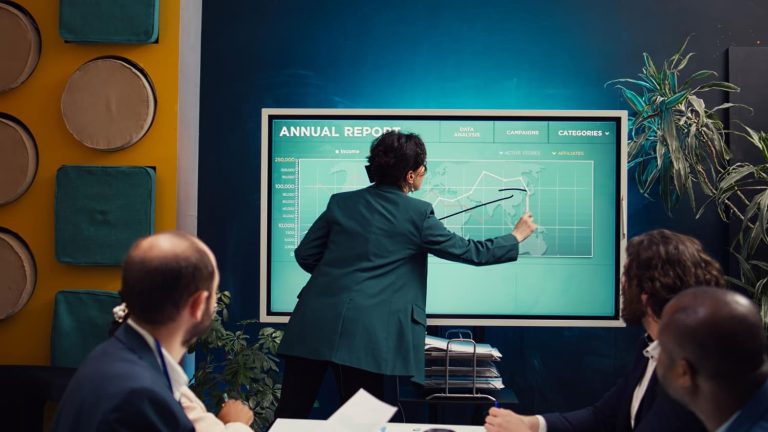
Transforming Education with Interactive Displays
Malaysian classrooms are moving away from one-way discussion toward active student involvement. Interactive displays sit at the heart of this school change. Teachers can now share information in lively ways that books cannot match.
1. Interactive Learning in Malaysian Classrooms
Students learn better when they touch, move, and work with lesson materials. An interactive whiteboard in Malaysia lets kids come to the front and solve problems on a big screen. They can drag answers into place, mark key text, or draw pictures. This hands-on work keeps young minds focused and interested.
2. Hybrid Learning and Remote Collaboration
Many schools now mix in-person and online learning for more choice. Interactive whiteboards link well with video chat tools. Students at home see the board clearly and can even add their own notes. This makes one shared learning space for all, no matter where they are.
Enhancing Business Communication and Collaboration
Malaysian businesses work in a fast world where clear talk matters a lot. Interactive whiteboards replace messy flip charts and dull projectors. Teams share ideas more freely when they see information shown clearly.
1. Corporate Meetings and Presentations
Gone are the days of people just watching one person talk through slides. Interactive boards turn meetings into teamwork sessions. Team members write on the agenda, add comments, and vote on choices. Everyone joins in rather than just watching.
2. Training and Workshops
Good training needs practice, not just listening to theory. Interactive whiteboards let trainers make real-life tasks for people to solve. Trainees touch the content, make choices, and see results right away. This hands-on way builds skills faster than just listening.
3. Creative Brainstorming and Idea Mapping
Great ideas often come when teams see information laid out in new ways. Interactive boards let groups catch, move, and link ideas visually. Team members arrange thoughts, draw links, and build mind maps together. The big screen shows the whole picture at once.
4. Retail and Customer Engagement
Shops use interactive screens to show products in their showrooms. Customers look at features, compare choices, and even design custom items on the screen. This do-it-yourself way helps buyers and cuts staff work.
Benefits Businesses and Schools Experience
Groups that use interactive whiteboards see many good changes. Work gets done faster, focus improves, and costs often go down. Schools see better test scores while firms enjoy shorter discussions and clearer chat.
1. Enhanced Student Engagement and Participation
Students learn best when they join in rather than just listen. Interactive boards let kids touch, move, and solve problems on screen. This hands-on work turns quiet listeners into active learners. Teachers note that students pay more attention and recall more when they touch lesson materials.
2. Improved Meeting Productivity and Decision Making
Business meetings often waste time because no one keeps a clear record of choices. Interactive boards let teams write on agendas, mark papers, and save all for later. Everyone sees the same info at the same time. Discussion ends with clear next steps and no fights about what was said.
3. Cost Savings Through Reduced Material Waste
Schools and firms spend a lot on paper, flip charts, handouts, and markers. Interactive boards cut out most of these supply costs. Teachers save lessons on the computer and use them year after year. Presenters share files online instead of printing copies for all. The savings grow fast.
4. Better Remote Collaboration and Hybrid Learning
Teams and classes no longer meet only in one place. Interactive boards link remote people through video chat and screen sharing. Far-away learners see the board well and can even add their own notes. This makes one shared space where all join in, no matter where they are.
5. Increased Information Retention and Recall
People recall more when they learn through many senses at once. Interactive boards mix seeing, hearing, and touching. Students who touch and move things on screen build stronger brain links. Meeting folks who write and draw ideas recall them longer than those who only listen.
Why Interactive Whiteboards Are Growing Fast in Malaysia
Several factors drive the quick spread of this tech across the country. Government plans push digital change in schools and offices. The pandemic made people need tools that support mixed work and learning. More people now have fast internet at affordable prices across most of Malaysia.
- Government digital initiatives actively fund technology purchases for schools and training centres. These programmes reduce the upfront cost barrier for many institutions.
- Schools that could not afford interactive screens can now access them through grants.
- The pandemic forced organisations to adopt hybrid work and learning models permanently. Video conferencing became normal, and people saw the limits of static whiteboards. Interactive displays solve the problem of engaging remote participants effectively.
- Teachers and employees expect modern technology in their daily work environments. They grew up with touch screens and find traditional boards frustratingly limited. Interactive whiteboards meet their expectations and keep them satisfied at work.
Cloud-based teamwork tools have also become standard in many groups. Employees expect modern tech in their daily tasks. Interactive boards meet these hopes in a perfect way.
You can also read How Digital Boards Improve Learning and Meetings
Common Mistakes When Implementing Interactive Whiteboards
Many groups rush to buy interactive boards but forget to plan for a good setup and training. These slips turn strong tools into costly annoyances that no one uses well.
1. Skipping Proper User Training and Onboarding
A costly board becomes just a fancy screen when no one knows how to use its tools. Groups often rush to put in the gear but forget to train staff well. Users stick to basic tasks and never find strong tools that could change their work. Put time into showing everyone how to use the board well.
2. Mounting the Board at the Wrong Height or Location
The best board feels bad if users cannot reach all parts of the screen with ease. Kids need lower placement than adults. Tall folks strain their necks when boards sit too low. People in the back cannot see if the board is too small or too far. Put the board where all can see and touch it without strain.
3. Choosing Hardware Without Testing Software First
Many buyers look only at screen size, clearness, and brightness while ignoring software power. Strong gear becomes useless when the software feels hard or lacks features. Always test the user screen before you buy. The software decides how well people can use the board each day.
4. Ignoring Room Lighting and Viewing Distance Factors
A board that looks great in a store may become hard to see in your real room. Sun, room lights, and shadows all change how well you see the screen. People in the back need bigger screens or sharper images than those near the front. Check your room’s light and seat layout before you pick a model.
5. Forgetting About Ongoing Technical Support Needs
Interactive boards will need fixes, software updates, or help at some point. Some brands give great support while others leave you waiting for weeks. Check warranty terms and local service before you buy. Fast fixes cut down idle time when issues pop up.
What Makes Interactive Whiteboards Different from Traditional Boards
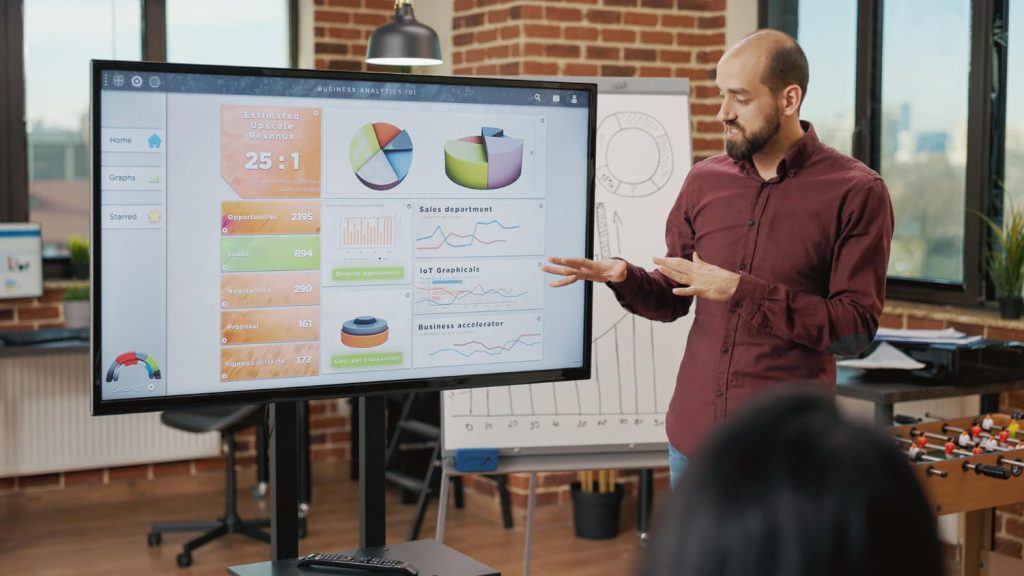
Old boards only catch what you write with a marker. New boards save, share, and link that info to other devices. The table below shows the key gaps between these two tech types.
| Feature | Traditional Whiteboard | Interactive Whiteboard in Malaysia |
|---|---|---|
| Saving work | None, must take a photo or copy by hand | Save, email, or share digital notes right away |
| Getting info | Still, only what someone writes | Live web access, videos, and online tools |
| Joining from far away | Not possible | Full video chat and screen sharing |
| Team work | One person writes at a time | Many users add ideas at once |
| Updating content | Erase and rewrite all | Edit, move, and change with simple touch |
| Linking with devices | None | Links to laptops, tablets, and phones |
| Keeping records | No auto record | Saves the whole session for later review |
The table above shows how new boards beat old ones in every key way. The gap affects how much gets done, how well people focus, and what results come out.
How to Choose the Right Interactive Whiteboard in Malaysia
Picking the right board requires you to think about room size, software, light, and help options. Good planning now stops costly errors and gives years of good use.
1. Measure Your Room Size and Viewing Distances
Start by measuring your room and where people will sit or stand. A board too small makes those in the back squint at small text. A board too large fills a small room and wastes cash. Work out the best screen size based on the farthest seat.
2. Match the Board Features to Your Primary Use Case
A class needs different tools than a boardroom or shop display. Schools gain from learning software and student reply systems. Firms need strong teamwork and note-taking tools. Shops want eye-catching screens with easy content updates. Pick a digital board made for your own space.
3. Check Software Compatibility with Existing Tools
Your new board must work with the software and gear your group already owns. Check that it links to your video chat platform, learning system, or talk tools. Gear that does not fit causes stress and lost cash. Test links before you buy.
4. Verify Warranty and Local Support Availability
Interactive boards cost a lot and should last for years. Check what the warranty covers and how long it lasts. Make sure local techs can do fixes fast when needed. A good digital board comes with strong local support.
5. Test the User Interface Before Purchasing
Spend time using the board yourself before you say yes. The screen should feel natural and quick. Buttons and menus should make sense without always looking at a guide. Ask the people who will use the board each day to try it too. Their thoughts help a lot to pick the right model.
The Future of Interactive Whiteboards in Malaysia
Artificial intelligence and augmented reality will soon power new ways to learn and meet. The board will suggest helpful content based on the topic or past user habits. Voice commands will replace some touch actions for hands-free use. These advances will make boards even more useful in Malaysian schools and offices.
- AI will study how people use the board and suggest relevant content automatically. The system learns which topics need more explanation or practice. Teachers receive suggestions for extra resources without searching themselves. Meetings get agenda items based on past discussion patterns.
- Augmented reality will overlay digital information onto the real world displayed on screen. Students will see virtual frogs to dissect or historical sites to explore without leaving class. Businesses will show 3D product models that customers can rotate and examine closely. This immersive experience boosts understanding and engagement.
- Voice commands will allow hands-free control of the board during lessons and meetings. Teachers can say “next slide” or “zoom in” without walking to the screen. Presenters keep their flow while controlling the display naturally. This feature helps people with mobility challenges use the board easily.
Early users will gain a big edge over rivals still using static screens. The future promises even more fun tools as AI and fake reality join these boards. An interactive whiteboard in Malaysia will become a standard tool in every forward-thinking organisation.
Why Choose Our Interactive Whiteboard Solutions
Votigo Systems gives interactive boards made for Malaysian classes and meeting rooms. Our screens give sharp, bright images seen from any seat in the room. The easy screen needs little training for new users.
We give full setup, training, and ongoing help for each client. Our team checks your space and picks the best screen size and spot. You get a full fix, not just a box of parts.
Visit Votigo Systems to see our range of interactive screens. Our experts show how this tech can change your group. See the gap that good interactive boards can make.
Conclusion
Interactive boards turn quiet watching into active joining across many spaces. Malaysian classes become places where students touch, move, and work with lesson tools. Firms turn dull meetings into teamwork sessions where all add ideas. The tech links those in the room with those far away with ease. Groups that use interactive screens note better focus, faster choices, and better results. A good setup needs strong gear, good software, and full user training.
The future promises even more fun tools as AI and fake reality join these boards. Now is the best time for Malaysian schools and firms to use this tech. An interactive whiteboard in Malaysia is no longer a luxury but a necessity for modern learning and working.
Frequently Asked Questions
Yes, you can connect your device wirelessly or with cables like USB and HDMI. This lets you show and control your content right on the big board.
Our board has both Android and Windows built in. It also has a super sharp 4K screen, lets many people touch it at once, and comes with free setup and local help.
Yes, it works great for both. Teachers use it for fun, hands-on lessons. Offices use it for team meetings, training, and working with people who are not in the room.
Yes, we set it up for you at no extra cost. We also train your team so they know how to use it from day one. Our local team is always ready to help.