


How Modern Conference Room AV Systems Improve Meetings in Malaysian Offices
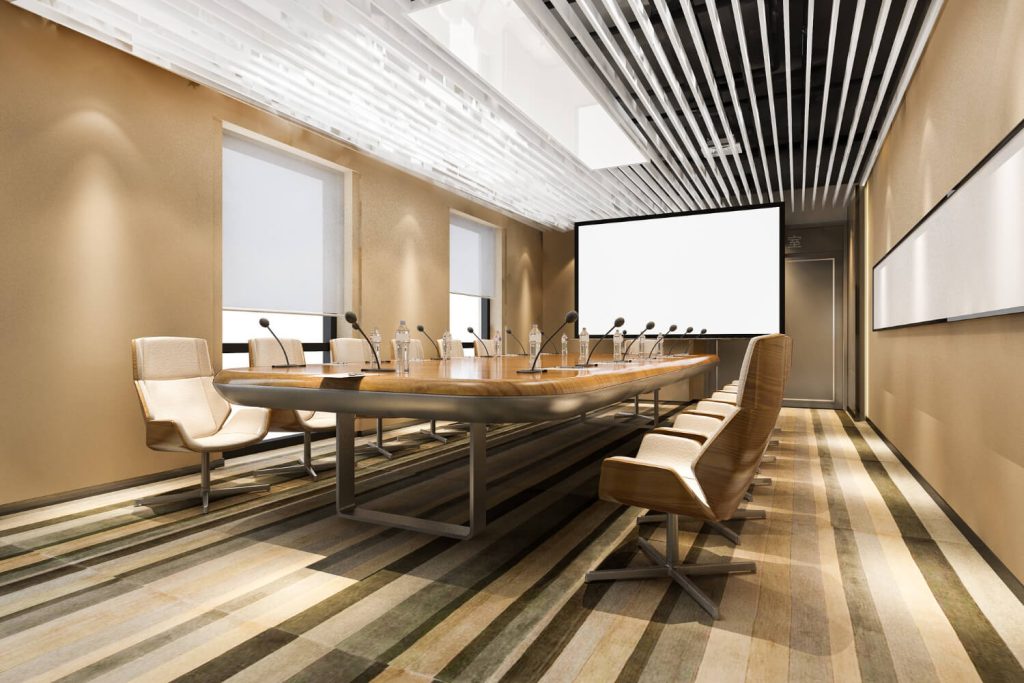
Walking into a meeting should feel smooth and easy. A place where ideas spark, people connect, and tools respond right away. Across Malaysia, offices are now aiming to improve their meeting quality without adding stress.
To reach that goal, conference room AV systems reshape how teams communicate, share, and solve problems. When they link with smart booking tools and sharp cameras, these systems erase delays and stop confusion. Together, they create spaces that let meetings run better, faster, and with more purpose.
As work culture grows and tech becomes smarter, meeting rooms must evolve too. Whether two or ten people gather, the tools in the room should back them up every step of the way.
What a Modern Conference Room Needs?
Every strong meeting room must support teamwork, clear sharing, and quick action. The space should help people stay focused, exchange ideas, and make choices. When everything flows well, meetings feel shorter and do more.
Most modern rooms rely on three key tools:
- Smart AV setups – These connect sound, screens, and visuals into a seamless system.
- Easy booking tools – These stop double bookings and save people time.
- Reliable cameras – These help people far away see and feel part of the talk.
On top of that, a well-set room looks inviting. Bright screens, quiet lighting, and comfy chairs help everyone feel ready to share. When each piece works together, ideas move freely from mind to mind.
Conference Room AV Systems in Detail
Modern conference room AV systems go far beyond cords and plugs. They let voices carry clearly, slides show sharply, and people join in from anywhere. With these tools, no one has to repeat or struggle to hear.
These systems often include speakers, displays, mics, and controls. They help people in the room—and those online—see and hear each other with ease. This setup builds a space where everyone feels seen and heard.
Here’s what they bring to the table:
- Sharper focus – Clear sound keeps attention steady.
- Faster sharing – Anyone can connect and start without delay.
Many setups also bring in wireless sharing, voice tracking, and tools that quiet background noise. These features let teams stay on track, even with remote members. When tech stays quiet and helpful, meetings unfold without stress.
Conference Room Booking System
Often, meeting plans stumble because people mix up room times. Someone forgets to book, or two teams crowd into the same space. This is why every office needs a conference room booking system.
A robust booking system lets staff easily check, reserve, or cancel rooms. It links to calendars and updates instantly. With this, the whole day runs smoother, from the first meeting to the last.
Offices gain in three big ways:
- Stronger planning – People find and hold the rooms they need.
- Saved time – No one wastes minutes searching for space.
- Lower stress – Fewer clashes mean calmer, better meetings.
Also, booking systems often display room details—like size or amenities—so teams pick the right one. This helps make every meeting feel like it started well before it began.
Meeting Room Booking Systems for SMEs vs Enterprises
All companies want easy, quick meetings. But not all teams use the same setup. A good system fits both small and big businesses, yet their needs still differ.
Meeting room booking systems for SMEs should stay light and simple. These companies often look for tools that are simple and require minimal setup. On the other hand, larger companies need deeper features—like linking with guest lists or managing many rooms.
Let’s compare what each might need:
| Business Size | What They Use | What They Need |
|---|---|---|
| SMEs | Basic, quick booking | Simple steps |
| Enterprises | Custom setups with more control | Flexibility and depth |
Small teams want to move fast. Large ones want to control more. But both gain when bookings stay clear, fast, and mistake-free.
How to Choose the Right Meeting Room Camera?
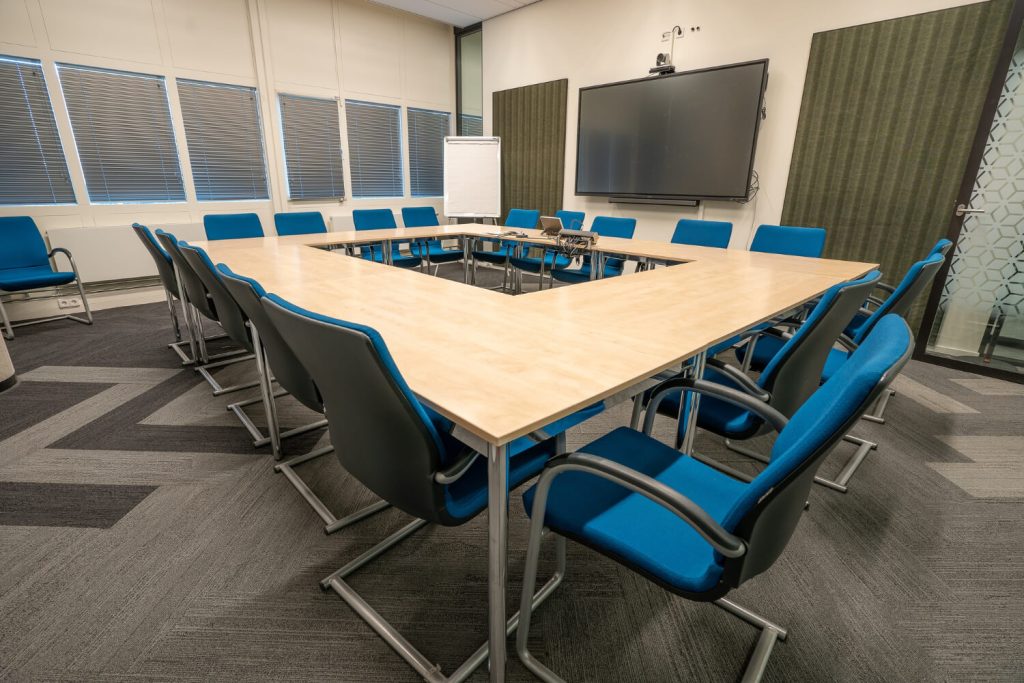
Video helps teams feel close, even when they’re far apart. A clear meeting room camera keeps faces easy to see, so no one misses a smile, nod, or concern.
Before picking a camera, consider the room size, how often calls occur, and where people usually sit. Small spaces may need wide views. Big rooms may call for cameras that move or zoom.
Choose a camera with:
- Auto-focus – It follows movement and keeps faces sharp.
- Low-light strength – It works well in dim rooms.
- Sound support – Some cameras grab audio as well as video.
Also, make sure the camera connects easily to your call apps or devices. The right camera makes people feel like they’re all sitting at the same table, even when they’re miles apart.
Why Malaysian Businesses Are Upgrading Now?
Offices across Malaysia are shifting how they meet. More teams blend remote and in-office work. Because of that, tools must adapt and help everyone feel present.
Here’s what fuels this change:
- Remote growth – People join from home, so strong video and audio matter more.
- Client chats – Many teams now meet clients online, not in person.
- Faster work – Better tools speed up meetings and help teams move sooner.
Besides these changes, teams also expect better tools. Old systems slow people down. Modern ones help meetings fly and make work feel smoother. That’s why more offices upgrade now—not later.
Implementation Checklist
Upgrading your meeting space takes smart planning. A checklist helps make sure nothing slips through.
Start by asking:
- Who uses the rooms? – Learn what staff need most often.
- Which rooms need tools? – Upgrade the rooms people use most.
- What systems are already there? – Make new tools match old ones.
Then, move to these action steps:
- Pick the right AV gear for the room shape
- Select the right meeting room camera
- Set up your conference room booking system
- Teach your team how to use every part easily
Also, ask for feedback after launch. If users share what feels smooth and what needs change, the whole system improves over time.
Votigo Systems as an Implementation Partner
Many teams reach out for expert help when setting up meeting tools. A strong partner like Votigo Systems can bring ideas, fix problems, and save time.
Here’s how they assist:
- Plan smart setups – Choose tools that match how your team works.
- Install gear – Set everything in place and test it.
- Train users – Help your team learn the new system quickly.
They also stay nearby to tweak tools as needs change. With expert help, you avoid slow starts and skipped steps. The result? A meeting space that works from day one.
Conclusion
Today’s best meeting rooms don’t just look neat—they help people work smarter. With the right setup, meetings begin on time, stay focused, and end with clear action.
Adding conference room AV systems helps everyone speak and share better. Using a trusted conference room booking system avoids room clashes and lost time. Pairing these with a reliable meeting room camera brings people face-to-face, no matter where they sit.
The best tools build stronger habits. They trim wasted time, lift teamwork, and bring clarity to every session. They help teams talk less and do more.
Whether you lead a big office or run a small one, better tools make work smoother. And smoother work brings stronger results, every time.