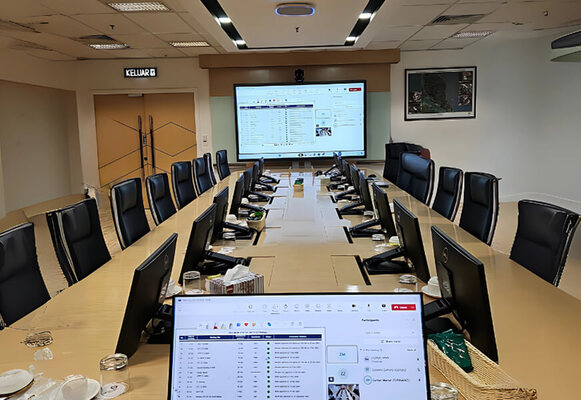












Enterprise Video Conferencing
Solutions for Modern Workplaces

Modern workplaces require tools that facilitate connection, idea sharing, and collaboration while ensuring clear, consistent, and organised communication every day. This provides teams with stronger support, allowing them to manage tasks with confidence and comfort.

Why Modern Teams Rely on Better Communication Tools

Many organisations now seek systems that simplify teamwork and enable groups to communicate with clarity across different locations. A strong video conferencing setup in this space brings people into the same conversation without physical limits.

Smooth collaboration shapes how well teams perform, so organisations invest in tools that support this daily flow. Clear sound, steady visuals, and quick access enable people to work together naturally. A well-built framework strengthens every discussion and offers a dependable bridge between groups. Modern workplaces adopt these tools to maintain steady, effective communication as their team’s progress.

What is a Video Conferencing Solution?

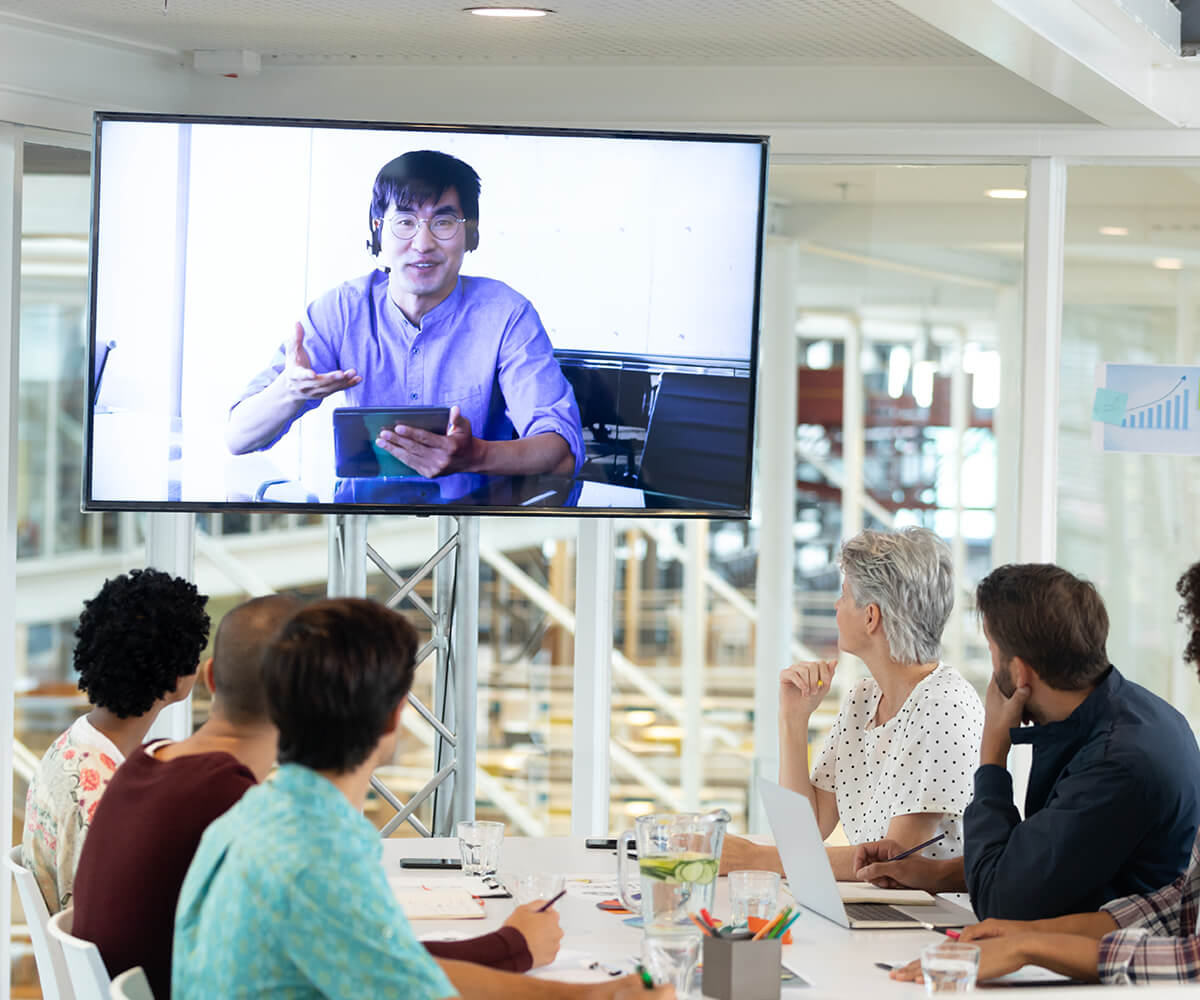
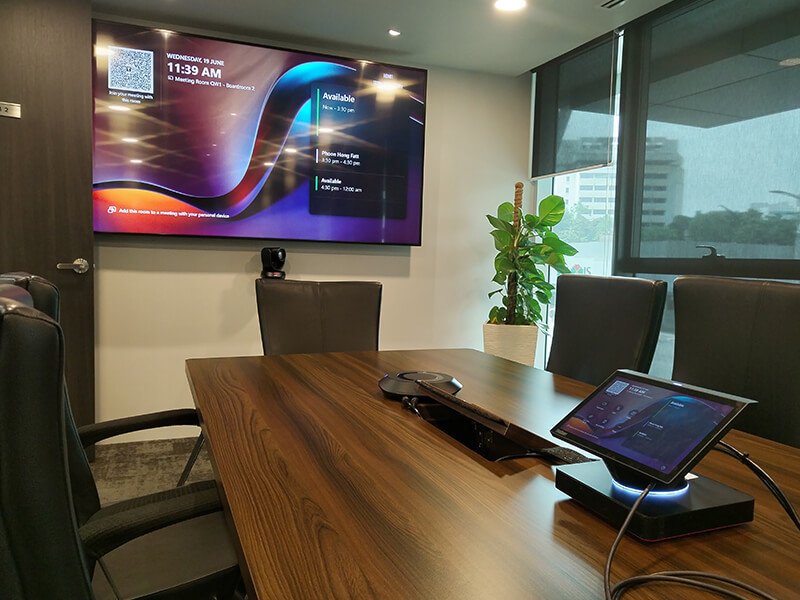
A video conferencing solution helps people connect through clear sound and sharp images so they can share ideas in a simple way. It brings together screens, microphones, speakers, and controls to create one connected space. Workplaces use it to help teams talk, present, and plan from any location. Organisations trust this setup because it stays steady and supports clear communication throughout the day.

These systems give teams a smooth way to speak and work together. People use the tools to guide meetings, plan tasks, and make decisions with ease. The setup creates a space that supports teamwork and keeps each session organised. It also helps workplaces adjust to new needs while keeping communication strong and simple.

pixel top 2 1

Related Products

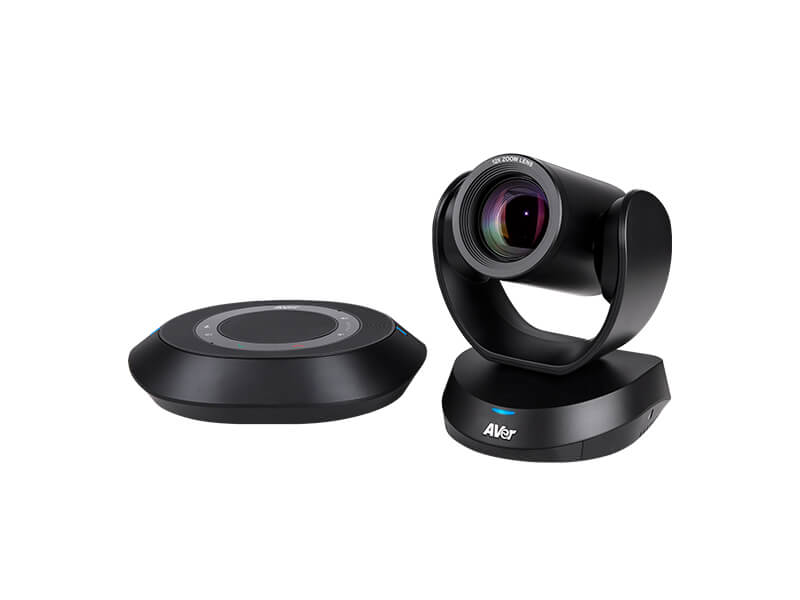
av system product AVer vc
AVER
Video Conferencing

VC520 Pro3

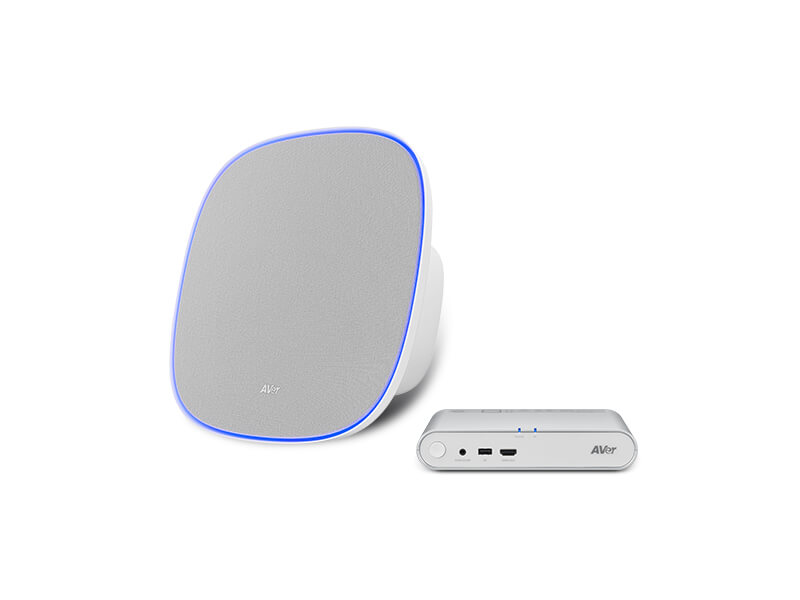
av system product AVer fone
AVER
Ceiling Speakerphone

Fone700

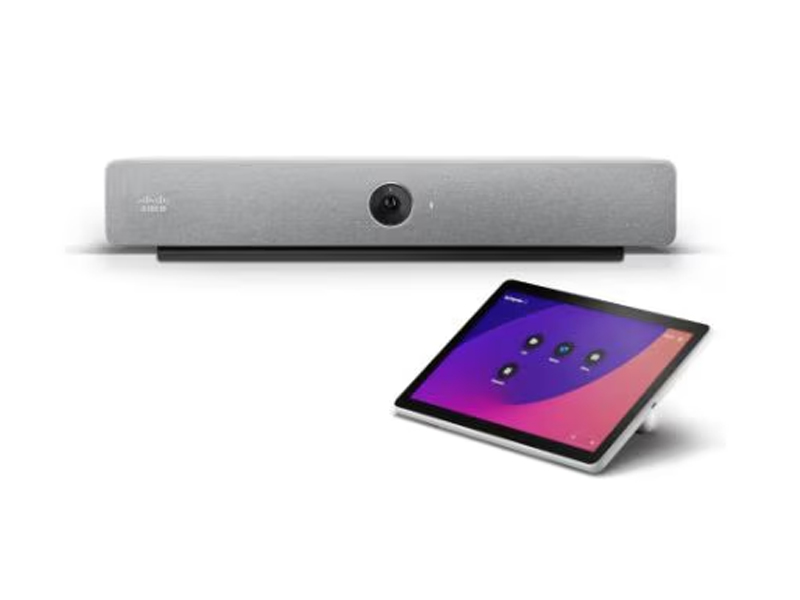
smart office product 1
Cisco

Room Bar

smart office product 3 2
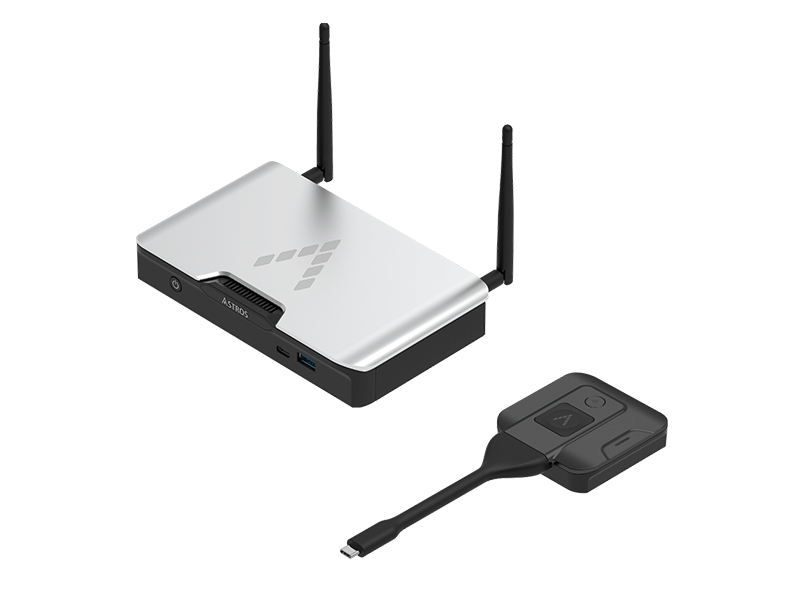
ASTROgate
Wireless Conferencing

AS201

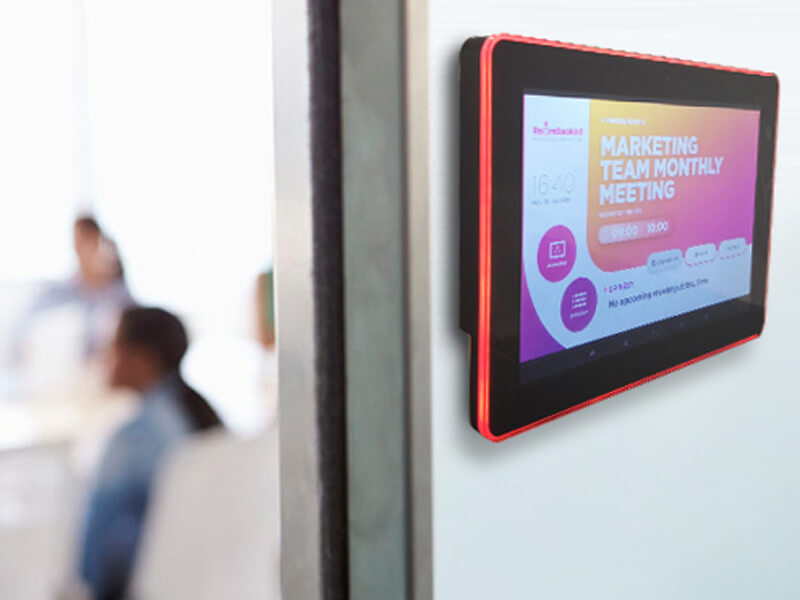
av system product Nimpath
Nimpath

Meeting Room Booking System

smart office product 4
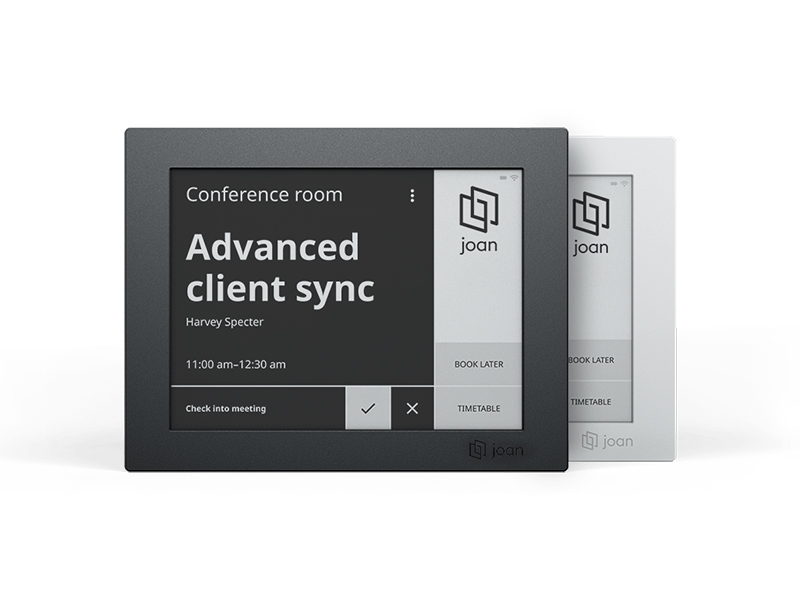
Joan 6 RE

Wireless Room Booking System

pixel btm 2 1

Why Choose Votigo Systems

why 4

Fix Your Exact Problems

Bad audio, poor mics, messy cables? We target your issues.

why 5

No More Guessing

We test gear in real rooms (not labs!) to ensure it works for 10, 20, or 50+ people.

why 6

Plug-and-Play Simplicity

Set up in minute.

why 7

Certified for Zoom/Teams/Google

Zero compatibility glitches.

Why choose Votigo for video conferencing?

Professional Team That Understands Each Challenge

Votigo approaches every project with a team that listens closely and studies each challenge with care. This approach helps them shape solutions that suit real workplace needs and support clear communication from the start.

Quick Support When It Matters Most

The team responds quickly during planning, demos, and after-sales support. Their direct action helps organisations complete tasks without delay and builds confidence during busy periods.

Complete Digital Solutions Under One Roof

A wide range of digital tools comes together into a single, structured service. This setup keeps the process simple, reduces confusion, and ensures that each system works well with the rest of the environment.

Strong skills in Hardware and Software Integration

Hardware and software blend into a single, connected system that enables smooth communication. This integrated approach keeps meetings steady and helps people move through every session with ease.

Service That Delivers More Than Expected

Votigo focuses on value by shaping solutions that align with communication goals while providing helpful guidance at every step. This approach reduces stress and keeps the process clear.

Consistent Results Backed by Many Successful Projects

A long history of installations shows that their methods deliver dependable results. These outcomes reflect steady performance and a strong understanding of workplace communication needs.

Brands Who Trust Us

Common Meeting Room Problems

Poor audio with echo or feedback

Low-quality video or screen freezing

Hard-to-use equipment that takes time to set up 

Incompatibility with modern meeting platforms

Many offices face the same problems. A smart video conferencing setup fixes these problems with a system that just works.

Benefits of Smart Office Video Conferencing

Workplaces need tools that help people communicate and share ideas clearly. Votigo designs its solutions to support a range of room sizes and meeting needs. Each setup uses sharp screens, steady sound, and easy controls. These tools help teams speak, plan, and work together without stress.

Clear Displays for Easy Sharing

Bright screens display images and slides clearly. People follow each point with ease, and groups stay focused during the meeting. This clarity helps teams explain ideas and move through tasks in a simple flow.

Smart Cameras for Better Interaction

Smart cameras follow speakers and keep every face in view. This feature helps remote teams feel part of the room. It keeps the meeting natural and helps people stay connected.

Strong Audio for Natural Speech

Good microphones and speakers help every voice sound clear. They reduce noise and bring out the speaker’s tone. This sound quality helps everyone stay engaged and understand each message.

Easy Control With One Simple Panel

A single control panel helps people run the meeting without trouble. Users switch screens, adjust layouts, and manage tools through a clean dashboard. This design keeps the meeting smooth and free from confusion.

Works Well With Room Systems

The setup connects with lights, schedules, and room tools. Each part works together to keep the room tidy and easy to manage. This support helps teams stay productive.

Fits Small, Medium, and Large Rooms

The solution works in rooms of many sizes. Small rooms, meeting areas, and large boardrooms all gain the same clear sound and sharp images. This flexibility helps workplaces use the same system as they grow.

Industries We Serve

Different industries adopt solutions that match their communication needs. Workplaces in corporate settings use structured systems that enhance presentations and planning.
smart office market 1

Corporate & Business Offices

Businesses operate systems which run their meeting facilities, smart workspaces and internal staff communication platforms. Organisations achieve better teamwork through their daily work activities by using interactive tools with well-organised presentation systems and unambiguous display elements.
smart office market 2

Control Rooms and Operations Centres

Control room environments rely on steady displays that support monitoring and coordination. These systems help teams manage security tasks, transport activity, energy systems, and surveillance needs.
smart office market 3

Education: Schools, Colleges, and Universities

Education spaces benefit from interactive touch screens, innovative classroom tools, and clear lecture displays. Digital noticeboards help institutions share updates and maintain strong communication across the campus.
smart office market 4

Government and Public Institutions

The government sectors depend on stable systems to operate their control rooms, their briefing rooms, and their public information display systems. Teams can use these tools to organise their work and maintain transparent communication between their members.

Hardware & Technology Partners
Hardware & Technology Partners

Strong systems need good hardware partners that supply steady and reliable tools. These partners provide screens, cameras, control panels, processors, and audio devices that work well together. Workplaces feel confident when each part responds quickly during important communication sessions.
Customer Voices

Benefits of Professional Video Conferencing Solution

A professional system gives organisations a dependable way to communicate with structure and clarity.
It strengthens teamwork, supports daily operations, and helps people express ideas with confidence.
smart office key 1

Clear Audio and Visual Communication

Sharp visuals and precise sound help teams understand each other without effort. Each message stays clear, guiding smooth discussion and reducing confusion during essential conversations.

smart office key 2

Simple Control for Daily Meetings

Clean layouts and direct controls make it easy for users to manage sessions. People switch tasks quickly and stay focused on their discussion rather than the equipment. This rhythm keeps the workflow steady.

smart office key 3

Better Collaboration Across Distance

Teams in different locations interact as if they were in the same room. The system supports natural communication and helps groups plan tasks together. This unity strengthens workplace cooperation.

smart office key 4

Strong Integration With Meeting Spaces

Displays, cameras, and audio tools blend with the room to create a stable meeting environment. This harmony supports productive sessions and reduces interruptions.

Installation Process

Votigo follows a clear installation path that supports smooth setup, reliable performance, and consistent results. The process moves through several structured stages that guide organisations from planning to the whole operation.
cta service 1 1

Step 1
Consultation and Space Study

The process begins with a clear talk about goals, room layout, and communication needs. The team studies the space and suggests tools that match the workplace and support strong performance.

cta service 2 1

Step 2
On-Site Survey and Technical Checks

The team visits the room, measures the space, and checks lighting, wiring, and structure. They confirm cabling paths, device positions, and mounting requirements to ensure the system fits well.

cta service 3 1

Step 3
System Design and Planning

Engineers create a layout that shows how each device will work in the room. They plan mounting points, map screen details, and shape the full workflow for daily use. This design becomes the guide for installation.

cta service 4 1

Step 4
Hardware Preparation and Setup

Before installation, the team tests displays, controllers, and cables to confirm strong performance. Each device is prepared so the setup moves smoothly once they arrive on site.

cta service 5 1

Step 5
On-Site Installation and Calibration

The team installs displays, mounts frames, connects cables, and checks sound and visuals. They adjust colour, brightness, and alignment to ensure the system performs clearly and naturally during meetings.

why 3

Step 6
Final Testing, Training, and Support

The system goes through full checks to confirm stability and clarity. Users learn simple steps that help them run the system with confidence. Ongoing support and maintenance keep everything working smoothly.

cta service 1 1

Step 1
Consultation and Space Study

The process begins with a clear talk about goals, room layout, and communication needs. The team studies the space and suggests tools that match the workplace and support strong performance.

cta service 2 1

Step 2
On-Site Survey and Technical Checks

The team visits the room, measures the space, and checks lighting, wiring, and structure. They confirm cabling paths, device positions, and mounting requirements to ensure the system fits well.

cta service 3 1

Step 3
System Design and Planning

Engineers create a layout that shows how each device will work in the room. They plan mounting points, map screen details, and shape the full workflow for daily use. This design becomes the guide for installation.

cta service 4 1

Step 4
Hardware Preparation and Setup

Before installation, the team tests displays, controllers, and cables to confirm strong performance. Each device is prepared so the setup moves smoothly once they arrive on site.

cta service 5 1

Step 5
On-Site Installation and Calibration

The team installs displays, mounts frames, connects cables, and checks sound and visuals. They adjust colour, brightness, and alignment to ensure the system performs clearly and naturally during meetings.

why 3

Step 6
Final Testing, Training, and Support

The system goes through full checks to confirm stability and clarity. Users learn simple steps that help them run the system with confidence. Ongoing support and maintenance keep everything working smoothly.

Upgrade Your Meeting Spaces with Confidence

Transform your meeting rooms into stable, high-performance spaces. Reach out to Votigo and begin your upgrade with confidence.

Frequently Asked Questions

A workplace gains clear communication channels that support collaboration and planning. The structure offers stability, sharp visuals, and reliable sound, helping teams share ideas with confidence.
They adapt through adjustable components, flexible layouts, and scalable tools. The structure works across small rooms, medium spaces, and larger environments without losing clarity.
They include intuitive controls that help people start sessions quickly. Users access functions through guided interfaces that keep the process straightforward.
They improve teamwork, strengthen planning, and support essential discussions. Workplaces value tools that bring clarity and dependability into every interaction.

Ready to Equip Your Hybrid Meeting Room with Smart Office Setup?

See how our solutions can future-proof your room with Smarter Tech – Built to Last.

Let Us Help You Find the Right Solutions!

Featured in:
TMY

Discover How We Bring Ideas to Life